Index
The handles that made Cosmos recognizable also come on Cosmos II Ultra Tower. The Ultra Tower weighs 22kg and measures 33.4 x 70.4 x 66.4 cm (WxHxL). Having said that, it is clear that the handles will be a godsend since the case is really massive. The handles are made of iron and are attached to the chassis.
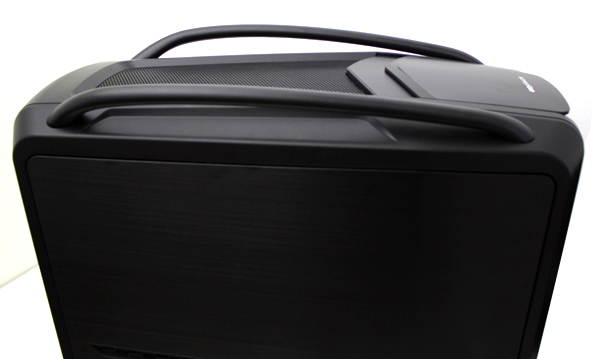
The mesh grill on the top panel can be removed, revealing room for three fans.
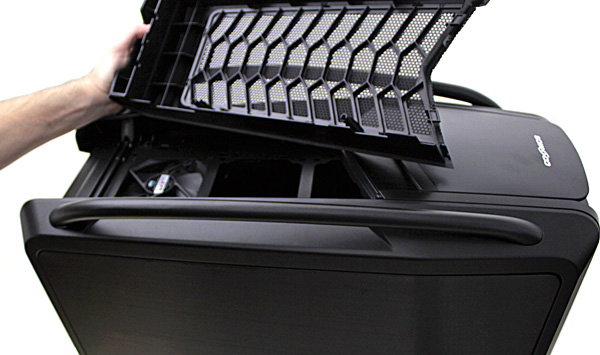
The top panel will take three 120mm fans, two 140mm fans or a single 200mm one. Cooler Master instaled only one 120mm fan (1200rpm, 17dBA) on the top panel.
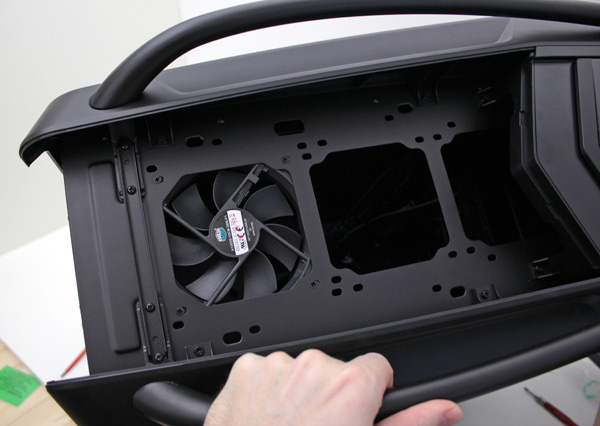
The top panel fan is mounted from inside of the case but you can mount it on the outside as well. For instance, if you want to use a 360mm water cooling radiatior, you can do it by mounting the heat exchanger from the inside and the fans on top.
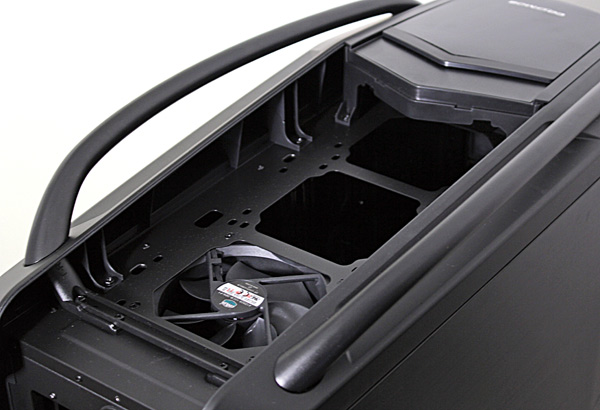
The control panel is partially covered with a sliding lid with Cosmos logo on it.
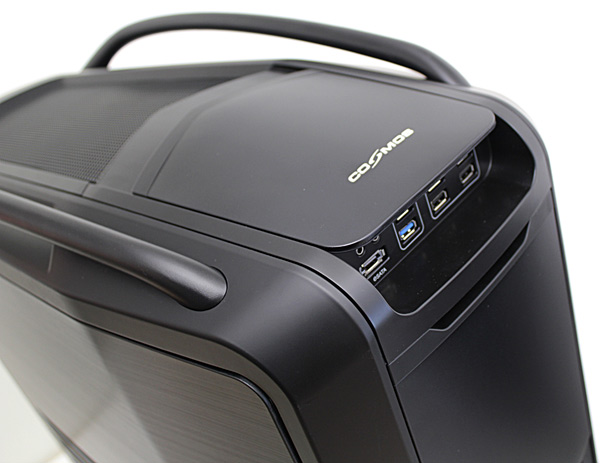
Once we pushed the lid towards the back, it slid away rapidly and stopped with a loud bang. The same happened when we slid it towards the initial position. We checked a few times and saw that the mechanism works like that without causing damage. However, Cooler Master claims that the production version of the case has a much smoother motion of the lid.
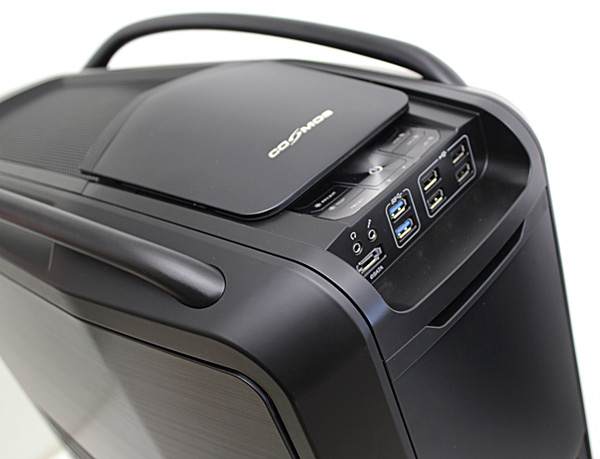
The control panel has everything you may need, including USB 3.0, eSATA connectors and a powerful fan controller.
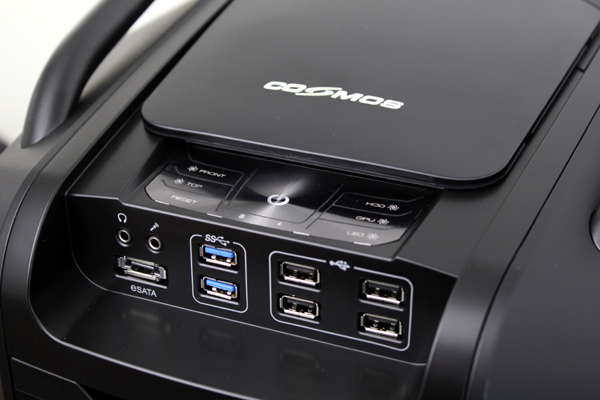
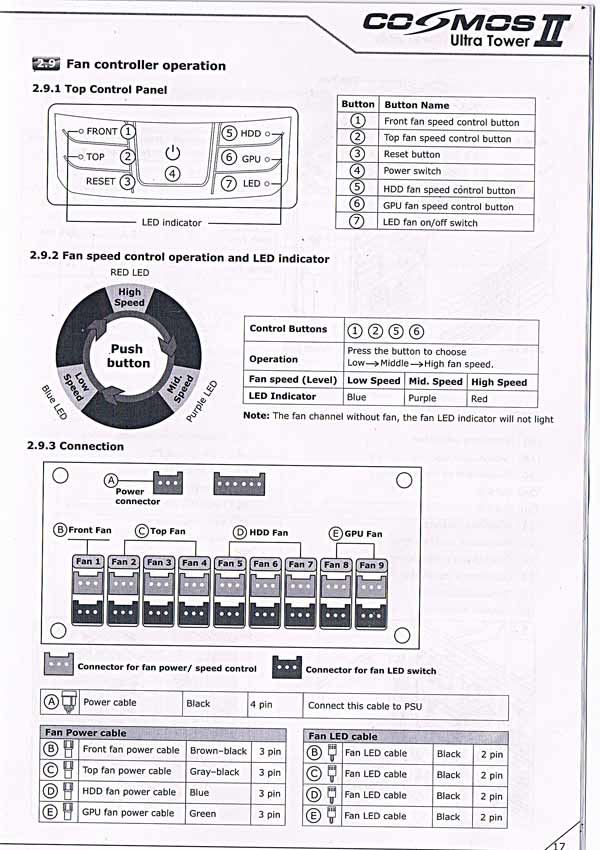
We won’t talk about the fan controller much as Cooler Master already did it quite well. We scanned the manual and you can find it on the picture below. The fan controller will take up to 9 fans.
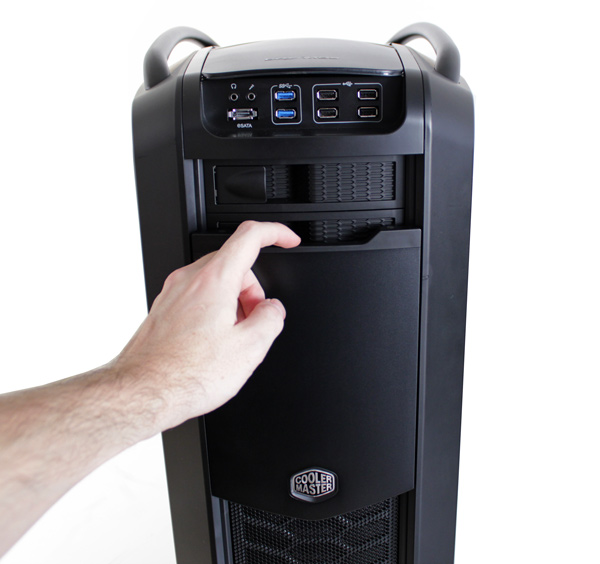
The front panel sliding door hides three 5.25’ and two 3.5’’/2.5’’ bays.
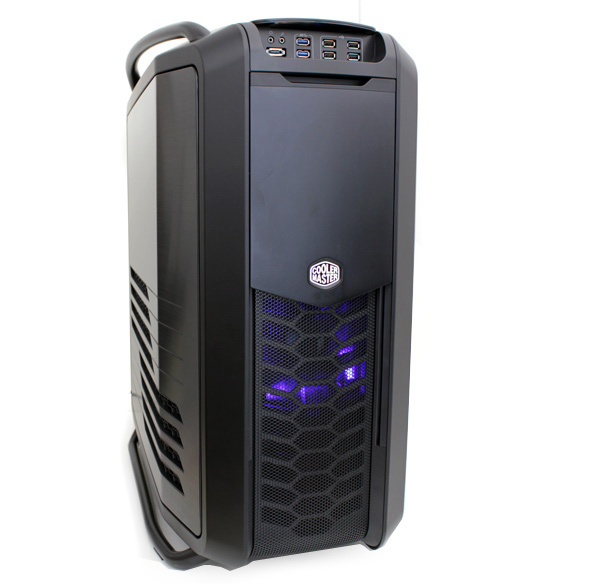
The door is opened with a tug downwards. Note that opening it doesn’t require force after the initiall push. Once you pull the door and let it go, it will silently slide downwards. We heard a bit of noise during the initial push but the company claims this too has been addressed on the production models.
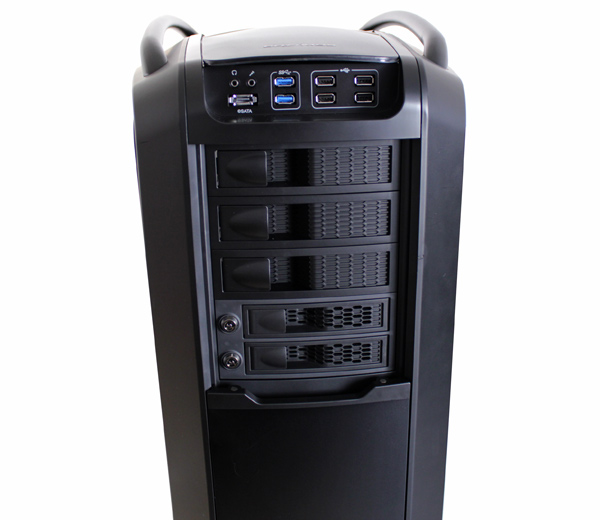
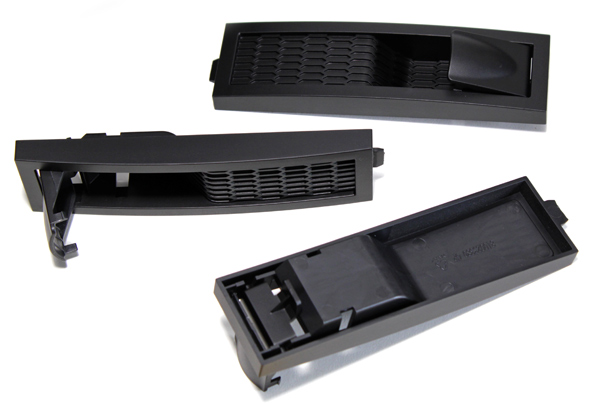
The 5.25’’ covers look nice but are made of plastic. They are taken off by tugging the handle, which seems sturdy enough to last.
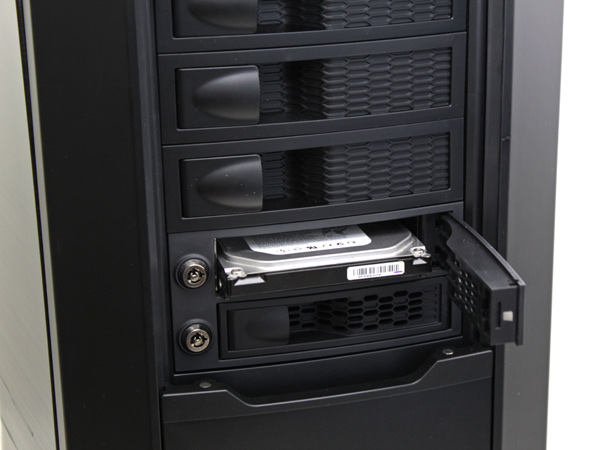
The covers for X-Docking can be locked and we received four keys. Tugging the X-Docking cover will eject the drive via a mechanic handle (make sure you’re using AHCI and hot swap).
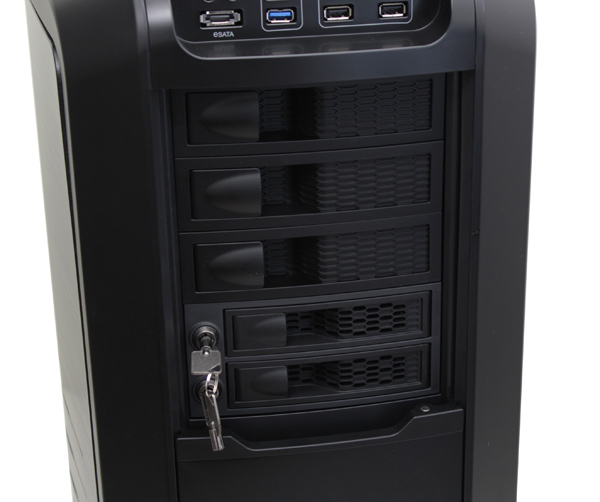
Both the X-docking bays will only take 3.5’’ devices.
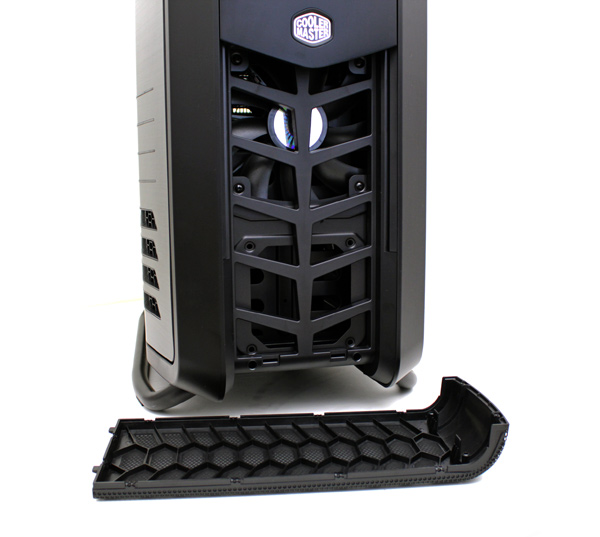
The large mesh grill on the front covers the large 200mm fan (700rpm, 19dBA) and can be easily removed for cleaning. You can replace the 200mm fan with a 140mm one, with extra room on the front-bottom for a 120mm fan.