Index
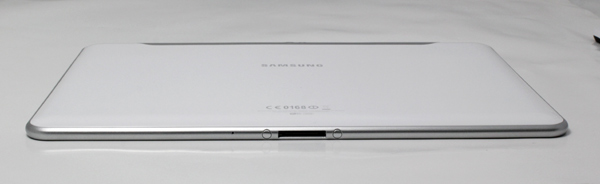
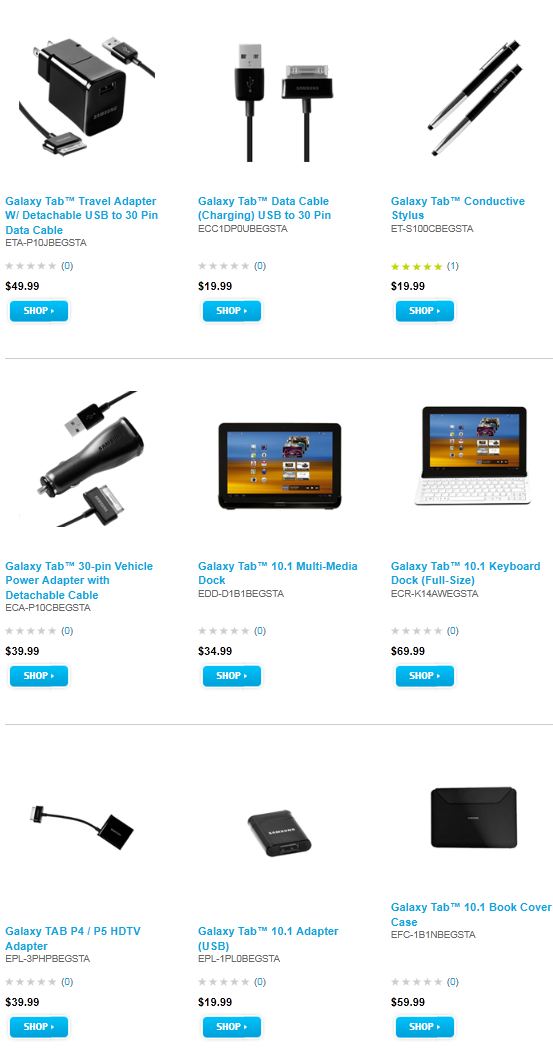
Galaxy Tab 10.1 WiFi is very limited when it comes to connectors – all you’ll get are 3.5mm jack (stereo line-out port) and a 30 pin port connector, The latter is used for everything, be it charging, syncing, connecting to a docking station, vide out, etc. Naturally, all these require additional dongles, which in turn will cost you.
Galaxy Tab 10.1 WiFi Edition has no HSDPA/HSUPA capabilities, but neither does Asus’ Transformer TF101. In other words, wireless LAN is the only way to go online. HSDPA version of Galaxy Tab 10.1 comes with a SIM connector.
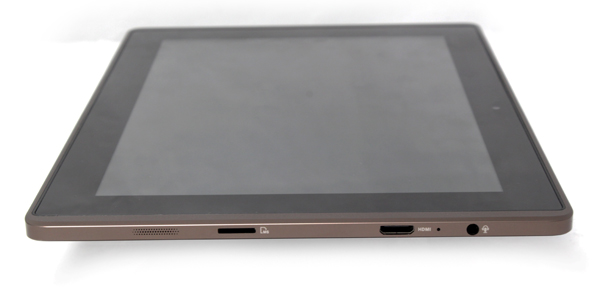
On the other hand, Asus Transformer TF101 comes with a few more connectors by default, including a mini-HDMI and microSD card reader. Transformer’s 40-pin port can also be used for additional connections, such as 4-in-1 card reader, USB dongle, etc.
Battery life on both of our today’s samples is pretty similar. While looping video, Asus hit about 9.5 hours whereas Samsung managed 10. With a little help from Transformer’s docking station, you can extend battery life to 16 hours, which is more than most need.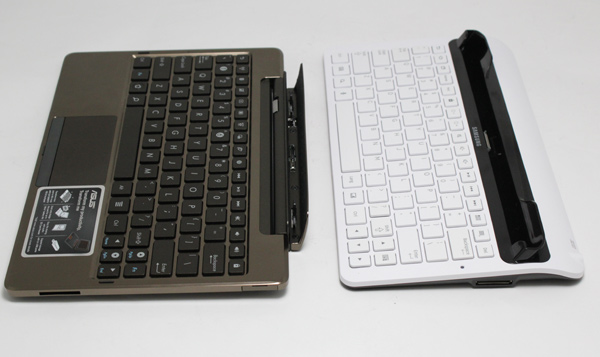
Samsung Galaxy Tab 10.1 also has a docking station, but we’d dare to say that it looks plasticky. Furthermore, it does not have a battery so this round definitely goes to Asus. 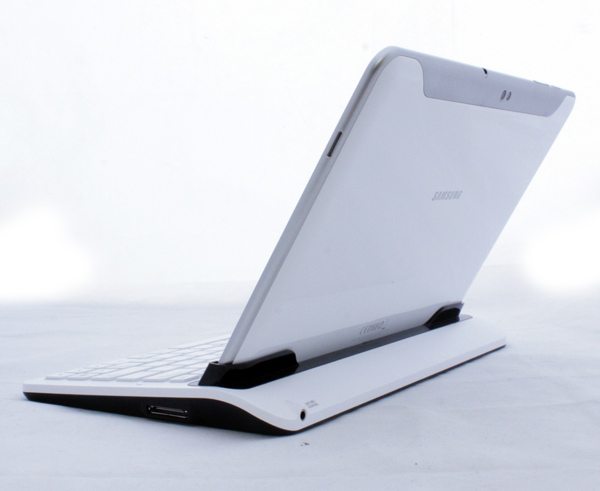
Once you plug a Galaxy Tab 10.1 tablet into the dock, it doesn’t lock it securely and if you lean with the keyboard, the tablet will fall out. In case you’re not planning on carrying it around though, it will work just fine. 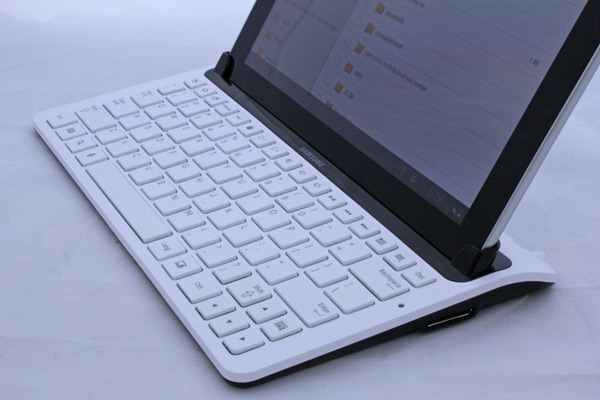
Galaxy Tab 10.1 keyboard and keys are comfortable for typing, which is a must if you’re planning to do any serious typing. It is simply faster and better. The function keys can help you launch applications, settings, adjust brightness or volume.
In addition there is a back button, home button, language key and a key that wakes up the soft keyboard. It is quite heavy though - 12.2 ounces or 345Gram, size 6 x 1.4 x 4.2 inches. We managed to find this keyboard listed for €69.99 in Europe which is not a small price for a matching keyboard. The weight of the keyboard probably takes care of stability, but we have expected at least a card reader or USB, not to mention HDMI, on it. The keyboard only has two connectors, just like the tablet. Namely, one audio line-out stereo and one 30 pin proprietary connector (20mA 5V input) which handles charging.
Overall it’s a nice thing but not as great as keyboard dock for Asus Transformer.
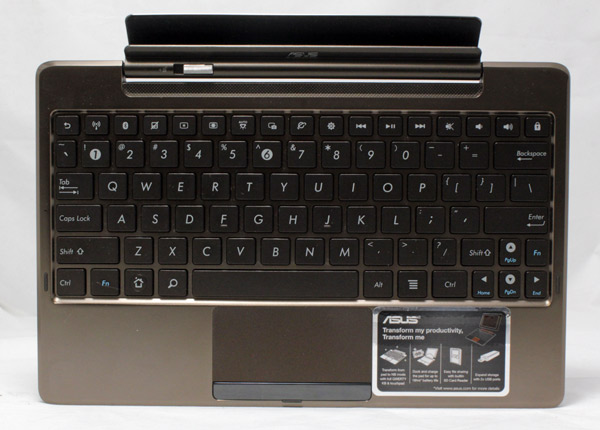
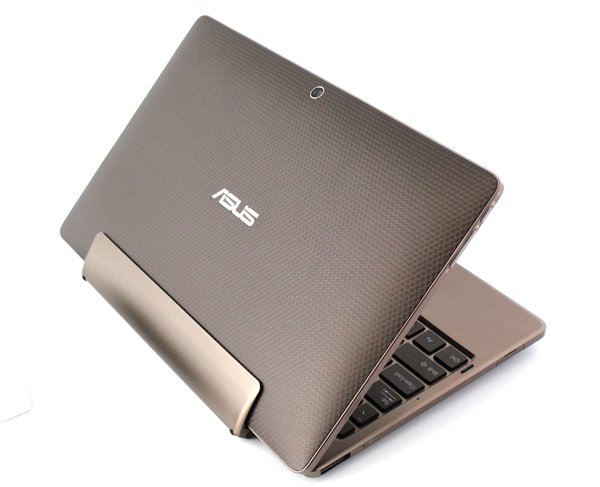
Asus on the other hand has a keyboard that can transform it to a netbook / notebook replacement. The locking mechanism locks tablet securely and it won’t be falling out if you lean with it, even if you turn it upside down. We can only hope that this locking mechanism will last forever. The keyboard is comfortable for long typing sessions.
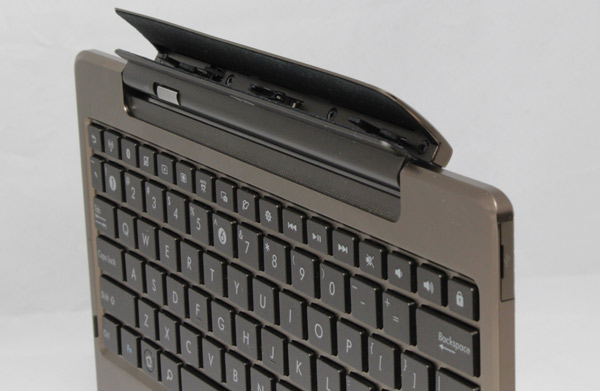
The keyboard has also some Android specific keys such as back, camera launch button, browser or settings launch, but we miss the program launch button that we’ve seen on Samsung Galaxy Tab 10.1 keyboard. The usual suspects such a WiFi, Bluetooth, volume up and down buttons, brightness as well as basic play options are there. Also, we can’t forget the lock button. We don’t get the need for two FN (function keys) as all you can do with them is to change the arrow options to page up, page down, end and home, e.g. in a document.
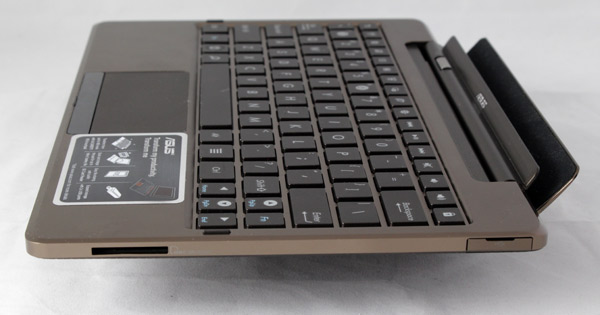
Asus also found a way to add additional two USB ports, hidden below nicely designed lids and added a memory card reader, but someone seems to have forgotten to include a headphones out. The one from the pad will work just fine, but it might be nicer to see it on the keyboard side, not on the side of monitor.
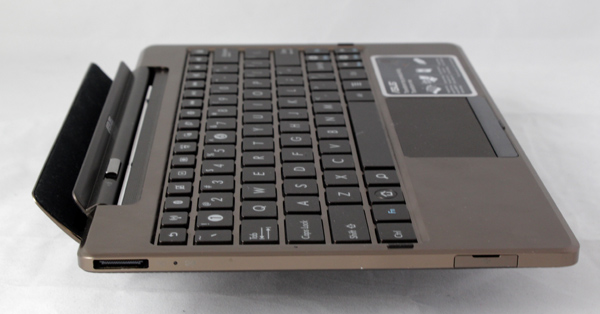
The best part of the keyboard dock is the battery that can prolong your battery life for an additional 8 hours. With two batteries, one inside of Transformer and one inside of the keyboard you can get close to 16 hours battery life, which is great even for the best of thin and light notebooks.